0%

Transforming ideas into systems.

Academy · Workshops

Training your whole team can attend together.

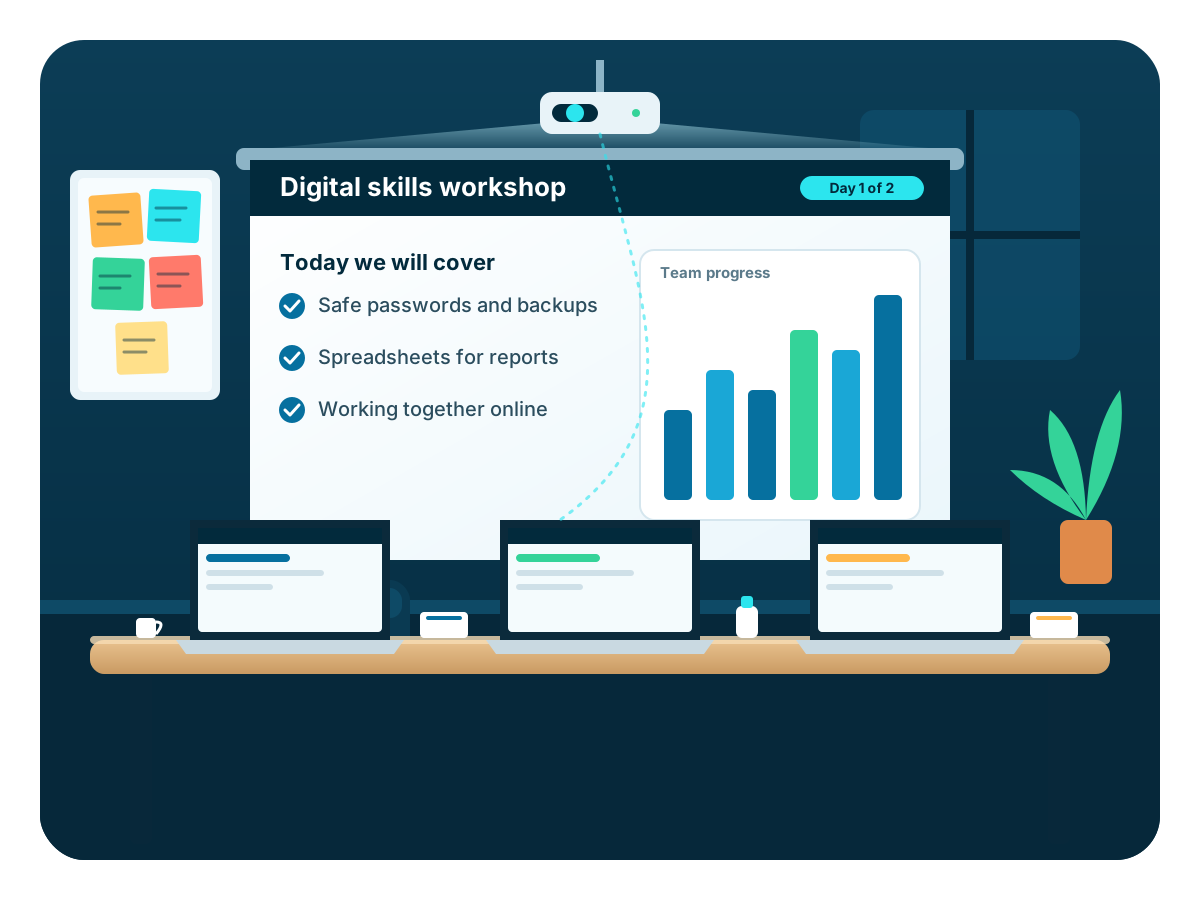
A workshop is a focused two or three day session that we run live online for the people at your company, school or institution. You choose the topic. We plan the dates and the price with you, and everyone who completes gets a certificate.

See the topics
A team taking part in an online ICT workshop
Photo: a team in a workshop1200 x 900 px · assets/img/pages/workshops-hero.webp

Choose a topic

Workshops you can book today

Prices are per person and depend on the topic and the number of days. We confirm the final figure for your group when we speak. If your topic is not here, ask and we will build it with you.

2 daysStaff teamsSample

Using AI at work: team workshop

Your team learns to use AI tools for drafting, summarising and planning, with rules that protect your data.

  • All staff
  • Up to 30 staff, live online
  • Certificate
What your people gain
  • Write instructions that get useful answers
  • Check AI output before it reaches a customer or a report
  • Keep confidential information out of AI tools
  • Agree simple team rules for using AI
UGX 420,000per person
2 daysStaff teamsSample

Spreadsheets for finance and admin teams

Cleaner spreadsheets, fewer errors and faster monthly reports for the people who handle the numbers.

  • Finance, admin and records staff
  • Up to 30 staff, live online
  • Certificate
What your people gain
  • Build tables that stay accurate as they grow
  • Use formulas and lookups with confidence
  • Catch errors before reports go out
  • Share and protect files properly
UGX 380,000per person
2 daysStaff teamsSample

Cybersecurity awareness for staff

Passwords, scams, fake payment messages and safe habits, taught with examples from organisations like yours.

  • All staff and managers
  • Up to 40 staff, live online
  • Certificate
What your people gain
  • Recognise scams, fake invoices and cloned accounts
  • Use strong passwords and two-step sign-in
  • Handle mobile money and bank requests safely
  • Know what to do in the first hour of an incident
UGX 350,000per person
3 daysStaff teamsSample

Digital records and data management

Move from paper and scattered files to records that are organised, backed up and easy to report from.

  • Records, HR and operations staff
  • Up to 25 staff, live online
  • Certificate
What your people gain
  • Design forms and registers that capture clean data
  • Organise files so anyone can find them
  • Set up and test regular backups
  • Produce a basic monthly summary
UGX 560,000per person
2 daysStaff teamsSample

Mobile money and digital payments for teams

Accept, record and reconcile mobile money payments, and keep fraud out of your accounts.

  • Finance, sales and front-desk staff
  • Up to 30 staff, live online
  • Certificate
What your people gain
  • Compare ways to accept mobile money and their costs
  • Record and reconcile payments daily
  • Spot fake confirmation messages
  • Set approval rules for payments out
UGX 380,000per person
3 daysLearnersSample

Getting started with coding

For schools: learners write their first programs and finish with a small project they can show.

  • Learners, S.1 to S.3 or upper primary
  • Up to 40 learners, live online
  • Certificate
What your people gain
  • Understand what a program is and how it runs
  • Write simple programs with sequences, choices and loops
  • Fix their own mistakes with confidence
  • Present a small finished project
UGX 180,000per person
3 daysLearnersSample

Subsidiary ICT revision and practicals

For schools: revision and practice for A-Level Subsidiary ICT, with plenty of practical work.

  • Learners, S.5 to S.6
  • Up to 60 learners, live online
  • Certificate
What your people gain
  • Revise the topics that carry the most marks
  • Practise practical tasks under timed conditions
  • Learn how to read and answer questions precisely
  • Leave with a revision plan for the weeks ahead
UGX 150,000per person
2 daysLearnersSample

Using AI to study well

For schools: how learners can use AI tools to revise without copying, and how to check what they say.

  • Learners, S.3 to S.6
  • Up to 40 learners, live online
  • Certificate
What your people gain
  • Use AI to explain ideas and test themselves
  • Check answers instead of trusting them
  • Understand what counts as their own work
  • Keep personal information out of AI tools
UGX 120,000per person

Who books them

For any team that wants to learn together.

Companies book them for finance and admin staff. Schools book them for teachers and learners. Clinics, SACCOs, NGOs and government offices book them to fix a particular problem, such as records, payments or security.

  • Your own dates, set around your working day or timetable
  • Examples and files taken from your own work
  • A short follow-up after the workshop, so the habits stick
Staff from a company and a school training together online
Photo: staff from different organisations1200 x 900 px · assets/img/pages/workshops-teams.webp

Already booked

Who is training with us soon

These sessions are booked by organisations and are not open to the public. You can ask for the same for your own team.

  • 4Nov
    Nile Freight Logistics Ltd Booked “Using AI at work, safely” · 4 to 5 Nov 2026 · Two mornings, 9:00 am to 12:30 pm Team of 25. They asked for: drafting reports and customer emails safely with AI. Booked by an organisation Company Sample
  • 18Nov
    Lakeview Secondary School Booked “Subsidiary ICT revision and practicals” · 18 to 20 Nov 2026 · Three days, 9:00 am to 1:00 pm S.5 and S.6 learners. They asked for: Subsidiary ICT practicals. Booked by an organisation School Sample
  • 23Nov
    Greenfield Agro Traders Booked “Practical spreadsheets for the office” · 23 to 25 Nov 2026 · Three mornings, 9:00 am to 12:30 pm Finance and stores team. They asked for: stock sheets and monthly reports. Booked by an organisation Company Sample
  • 1Dec
    Hillcrest Health Centre Booked “Data and records basics” · 1 to 3 Dec 2026 · Three afternoons, 2:00 to 5:00 pm Records team. They asked for: patient records and monthly reporting. Booked by an organisation Health facility Sample

See them all on the calendar

How booking works

From request to certificate

  1. Send a request

    Choose a topic, say how many people, and suggest dates. It takes about two minutes.

  2. We plan it with you

    We reply within a working day, agree the content and dates, and send the cost for your group.

  3. Your team joins online

    Live sessions over two or three days, with practical work using your own examples.

  4. Certificates

    Everyone who completes receives a certificate, and your session shows on our calendar.

Do not see your topic?

Describe the problem your team has. We will tell you honestly whether a workshop is the right fix, and what it would take.

Training